Effortless Celebrations: The Magic of Digital Invitations
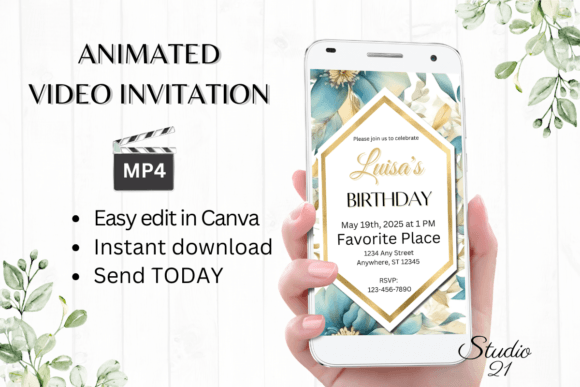
Planning a birthday party involves a thousand tiny details, and the invitation sets the tone for everything. Yet, the traditional process—waiting for designs, proofs, and shipping—feels outdated in our instant-gratification world. Enter the Classic Digital Birthday Invitation, a solution that bridges the gap between professional design quality and the immediate needs of modern event planning. This isn't just about sending a text message; it's about delivering a polished, animated experience directly to your guests' phones or inboxes, turning a simple notification into a memorable moment. For the busy parent, the event planner, or the small business owner hosting an anniversary, this template offers a streamlined path to stunning results without the usual headaches.
Why a Digital Animated Template Changes the Game
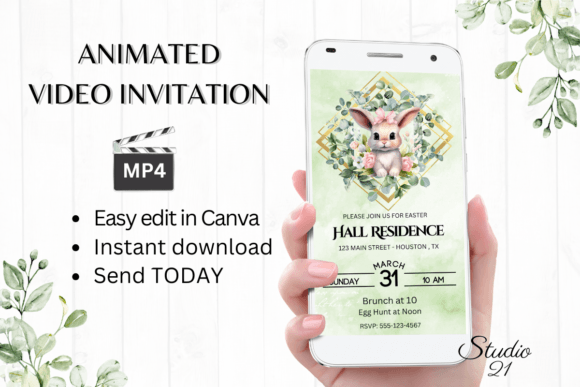
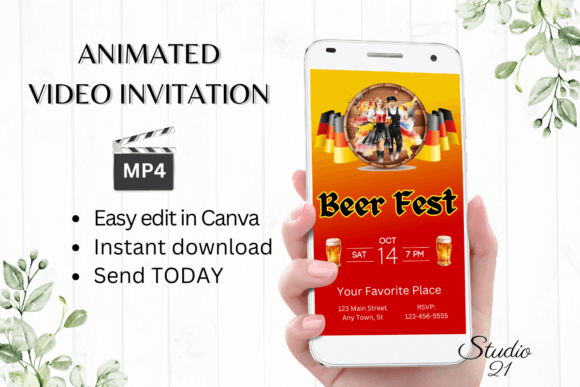
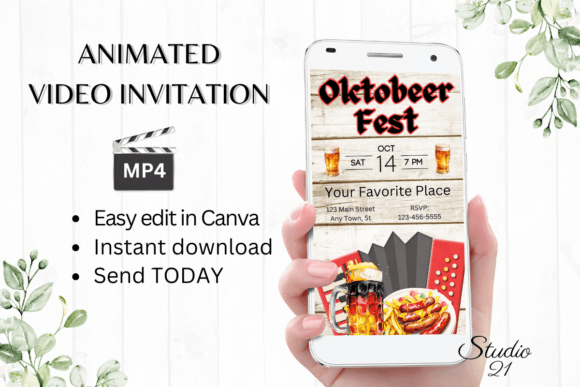
Visual appeal is the first hurdle any invitation must clear. A static image can get lost in a crowded feed, but a digital animated video invitation captures attention through movement and rhythm. The subtle animations—a flickering candle, floating balloons, or elegantly appearing text—create a sense of occasion that a flat JPEG simply cannot match. This approach leverages modern typography and dynamic layouts to feel current and engaging. The design style is crafted to be universally appealing, balancing clean lines with celebratory flair, making it suitable for everything from a child's first birthday to a sophisticated adult soirée.
The practical benefits extend far beyond aesthetics. Consider the workflow: instead of emailing back and forth with a designer, you receive immediate access to edit your template directly in Canva. This means no software downloads, no font licensing headaches, and no technical barriers. You can personalize every element—from changing the font style, color, and size to adjusting animation effects—all from your computer or even making basic edits on your mobile device. This level of control empowers you to align the invitation perfectly with your party's theme or your personal brand identity in minutes, not days. For small business owners, this efficiency is invaluable, freeing up time to focus on other critical aspects of event planning or client communication.
Practical Applications for Creatives and Entrepreneurs
While the primary use is clear, the underlying asset—a versatile, editable video template—has broader implications for anyone involved in visual communication. Think of it as a foundational design asset. The principles applied here—clean layout, strategic animation, and easy customization—are the same ones used in creating effective social media graphics, marketing assets, and even digital products.
- Brand Consistency: For a business hosting a customer appreciation event or a product launch party, using a template that allows for precise color and font matching ensures the invitation reinforces your brand identity. It becomes another touchpoint that feels cohesive with your website, packaging, and social media presence.
- Content Creation: Bloggers and content creators can adapt the format for announcing giveaways, live Q&A sessions, or community meet-ups. The animated video format is inherently more shareable and engaging on platforms like Instagram Stories or TikTok than a static graphic.
- Client Work: Designers and agencies can use customizable templates as a starting point for client projects, drastically reducing production time while delivering a high-end result. It’s a practical way to scale services without sacrificing quality.
- Personal Projects: Beyond birthdays, consider its use for holiday greetings, graduation announcements, or save-the-date notices. The ability to download a personalized MP4 file means you have a versatile asset that can be shared via text, Messenger, WhatsApp, or embedded in an email.
Maximizing Impact: Tips for Personalization and Sharing
To get the most out of your Classic Digital Birthday Invitation, approach the editing process with a few key considerations in mind. First, readability is paramount. While Canva offers a vast library of fonts, stick to one or two complementary styles—a clean sans serif font for details and a script font or display font for the headline can create a balanced hierarchy. Ensure the text color contrasts sharply with the background, especially since colors may vary slightly across devices.
Next, think about the animation style. Does the movement support the message or distract from it? For a formal event, subtle fades and slides work best. For a children's party, more playful animations might be appropriate. Preview the video multiple times before finalizing to ensure the timing feels right and all critical information is easy to absorb.
Finally, consider your sharing strategy. The provided PDF includes a user guide with detailed instructions, but the core advantage is flexibility. Download the MP4 for direct sharing in messaging apps where videos autoplay, grabbing attention instantly. Alternatively, use the Canva link for email invitations, allowing recipients to view the animation without downloading a file. This dual approach ensures your invitation reaches guests in the format they’re most likely to engage with.
The Future of Invitations is Here
The shift toward digital, interactive communication isn't a passing trend; it's a reflection of how we consume media. A tool that combines professional design quality with radical simplicity isn't just convenient—it's a smarter way to communicate. By leveraging a premium font aesthetic and intuitive editing within a platform like Canva, you're not just sending an invitation; you're crafting an experience. Whether you're a designer looking for efficient assets, a marketer aiming for higher engagement, or simply someone who wants to celebrate in style, this approach delivers real-world value where it counts: saving time, ensuring quality, and making every guest feel genuinely invited.